
Find My Opponent's Gaming Account
Find tournament matches in My Matches, check the bracket or groups, and link a valid PlayStation, Xbox, or Steam account. Contact an admin if details are wrong.
Finding Your Matches in the Tournament
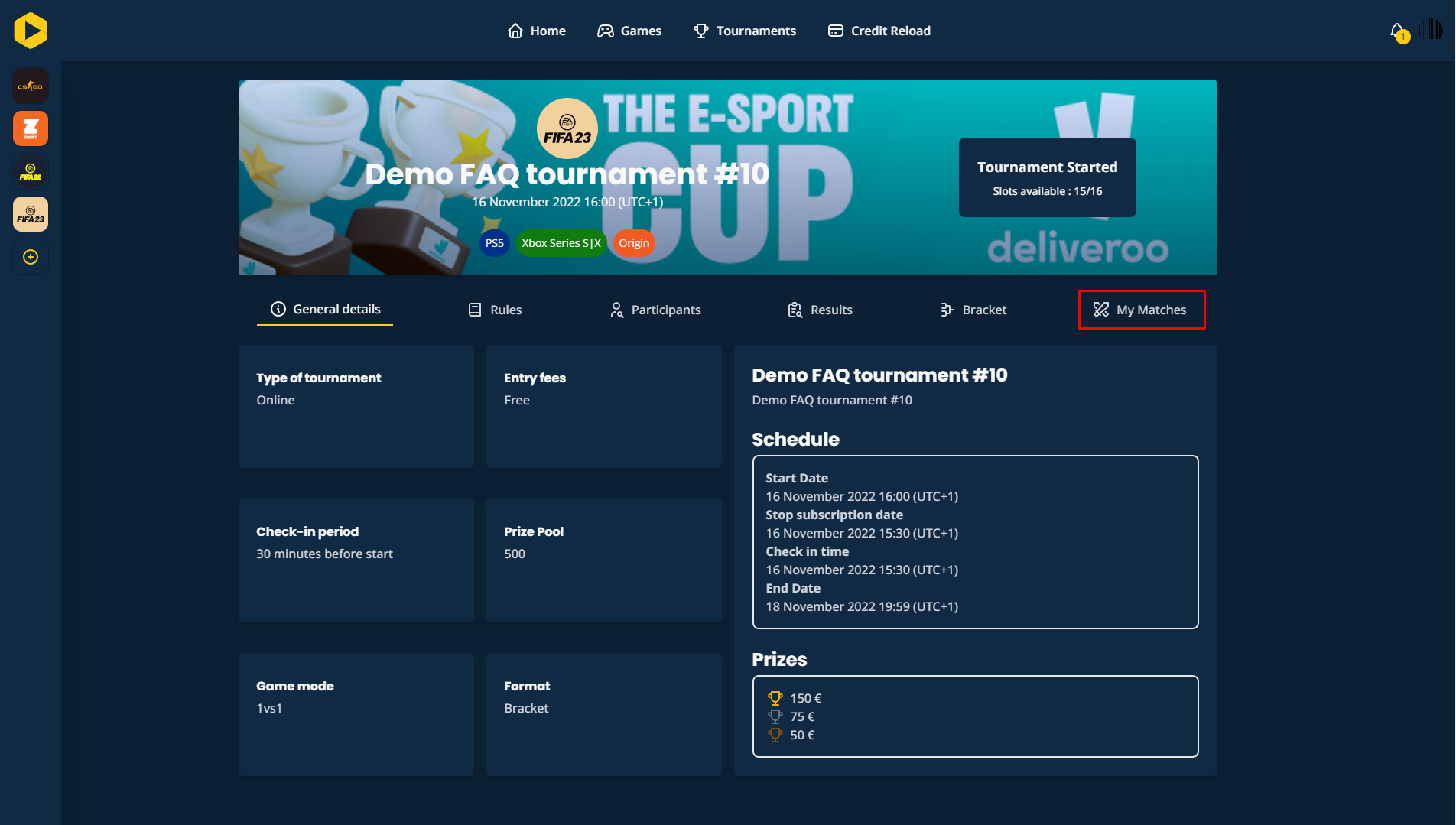
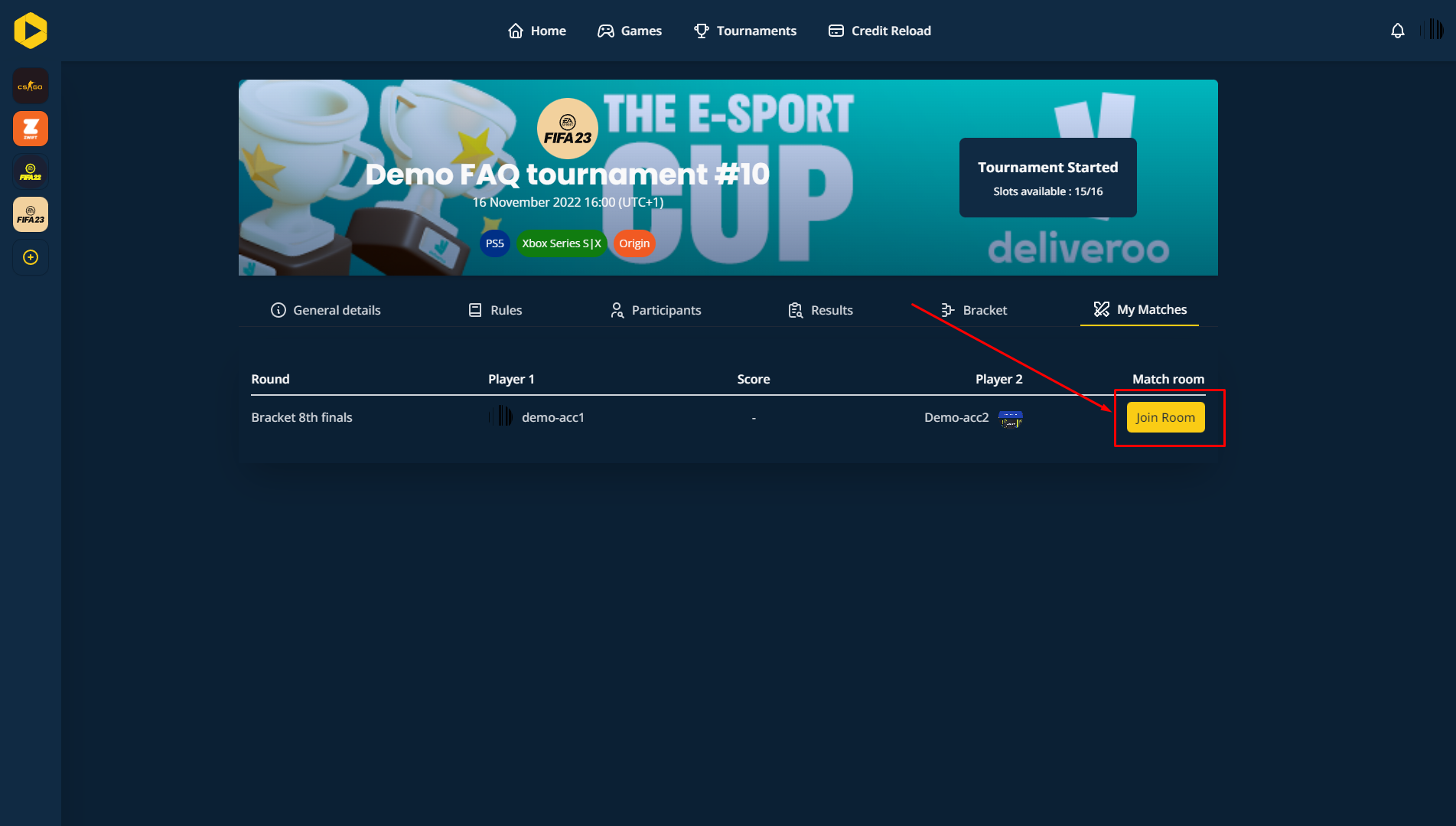
Once the tournament bracket or groups have been generated, you can easily find your matches in the My Matches section of the tournament information.
Examples in Pictures
Game Account Requirements
During the tournament, every player must have a valid game account linked to their platform (e.g., PlayStation, Xbox, or Steam).
- Important: If there is an issue with your opponent's game account (e.g., it is incorrect or missing), you should immediately contact an admin via the chat feature for assistance.
Want to go further?
If this guide covered it, great. Want to dig deeper? The team is one message away.

