Transaction History
Check your Playorium transaction history for coin reloads, tournament entries, and wallet activity. Open Coins and Wallet to view each transaction in detail.
How to Access Your Transaction History
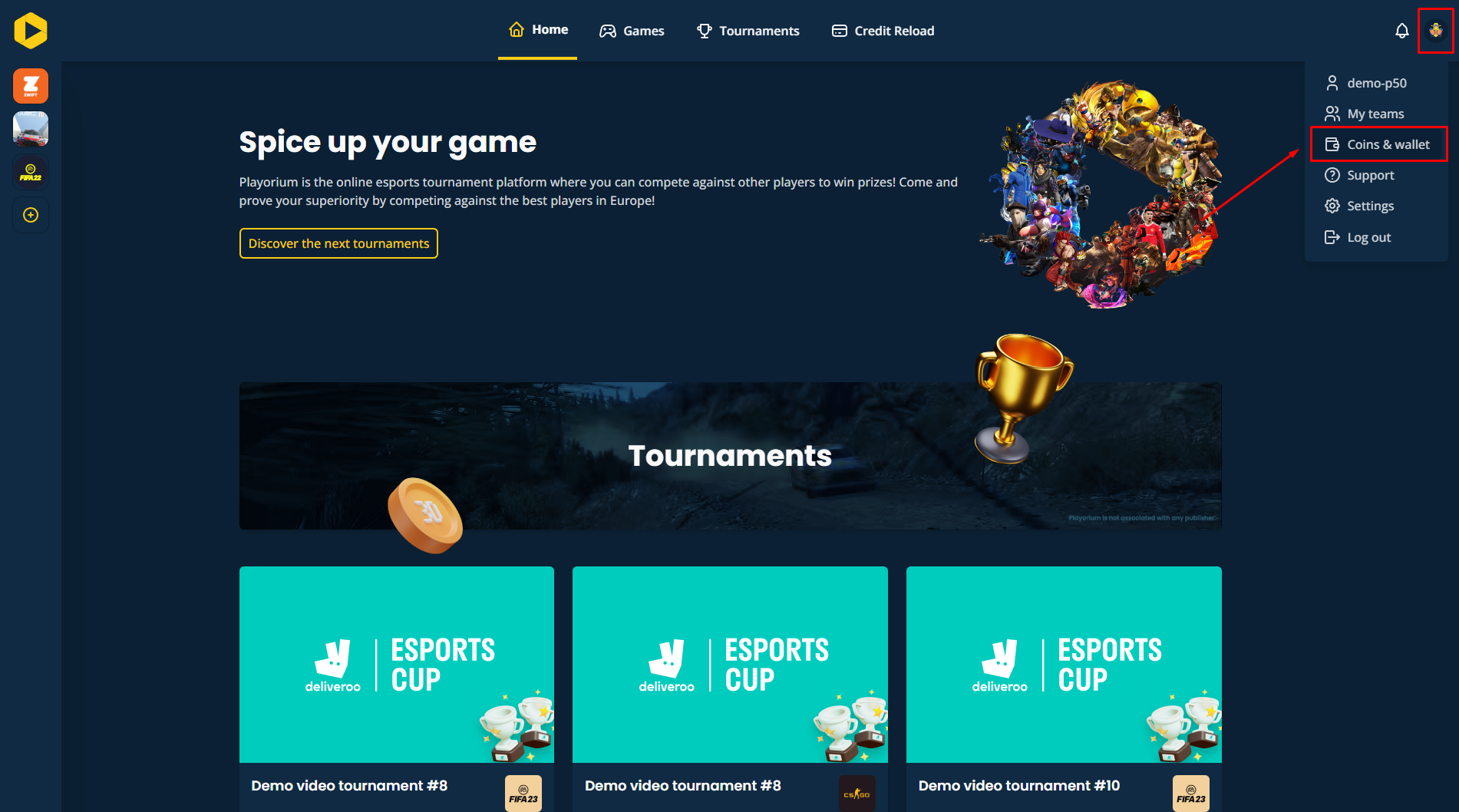
- Click on your profile picture in the Playorium navigation bar.
- Select Coins & Wallet from the dropdown menu.
Viewing Transaction Details
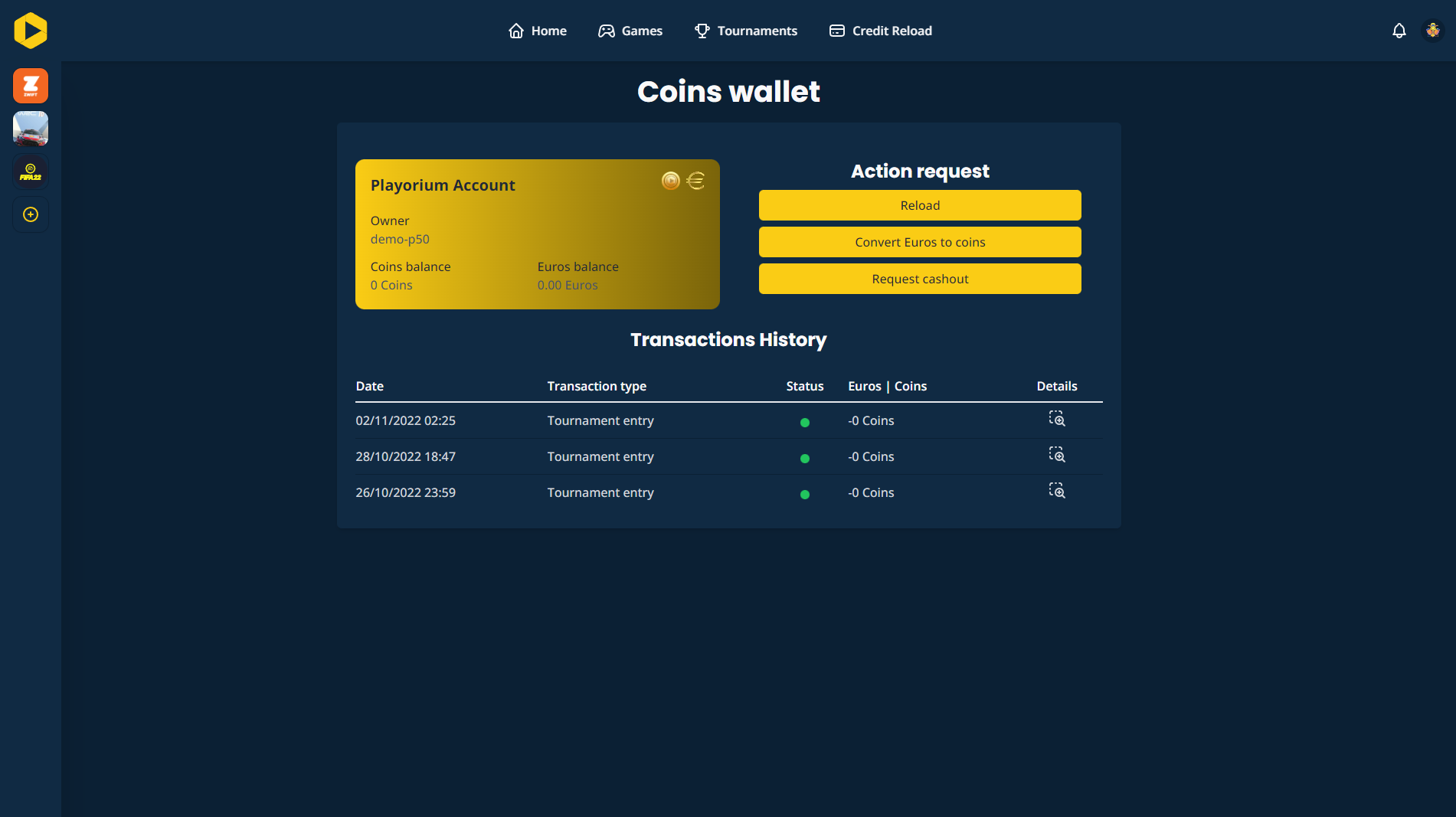
In the Coins & Wallet section, you will see a comprehensive list of your transactions, including coin reloads, tournament entries, and more. To view more details about a particular transaction, simply click on it.
Want to go further?
If this guide covered it, great. Want to dig deeper? The team is one message away.

