Add Or Change My Address
Update your Playorium address for prize delivery and account validation. Open your profile, edit Personal Information, and save to keep your details current.
Your address is required for prize delivery and account validation on Playorium.
How to Change Your Address
- Navigate to your profile by clicking on your nickname at the top right of the Playorium navigation bar.
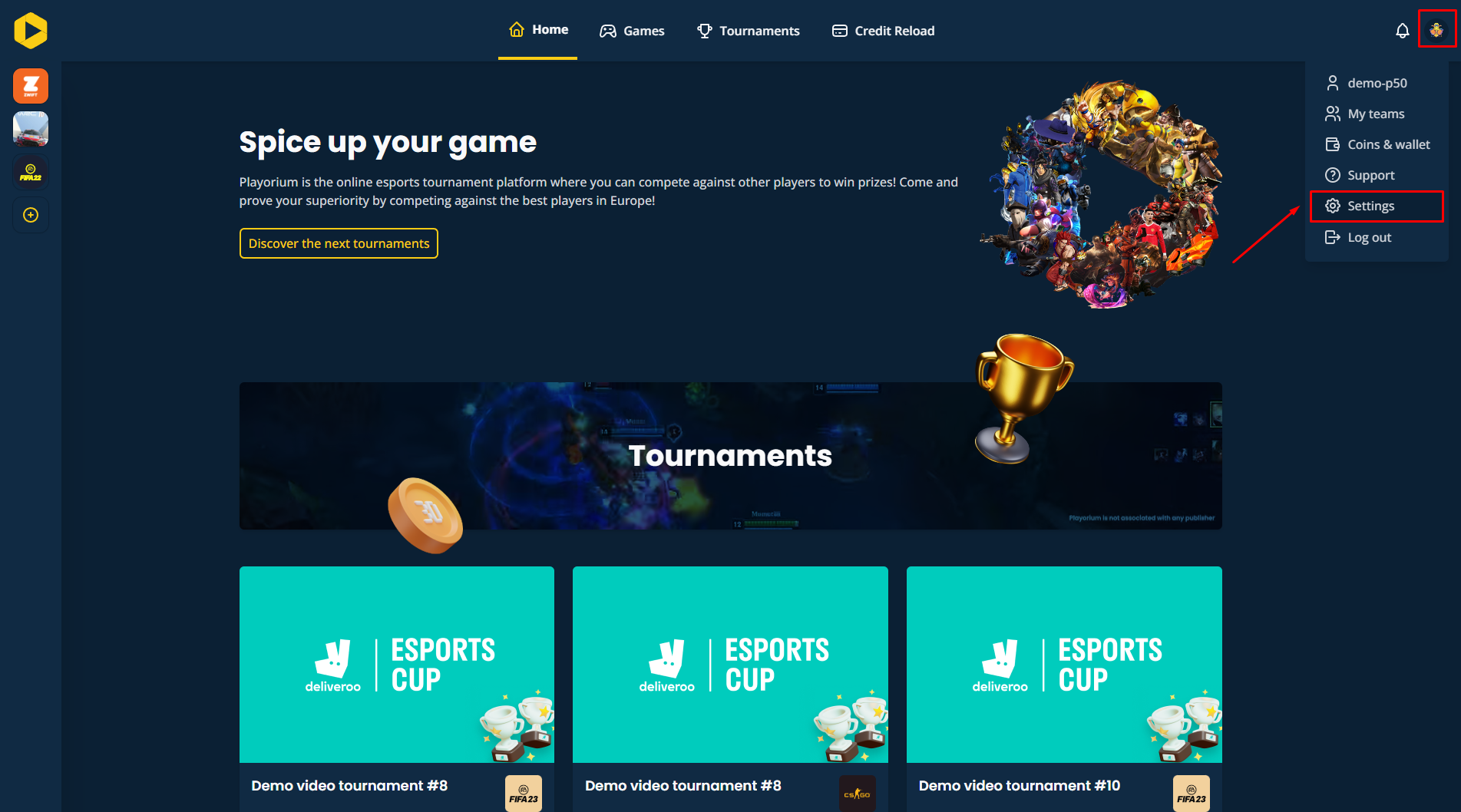
- Scroll down to find the Personal Information section.
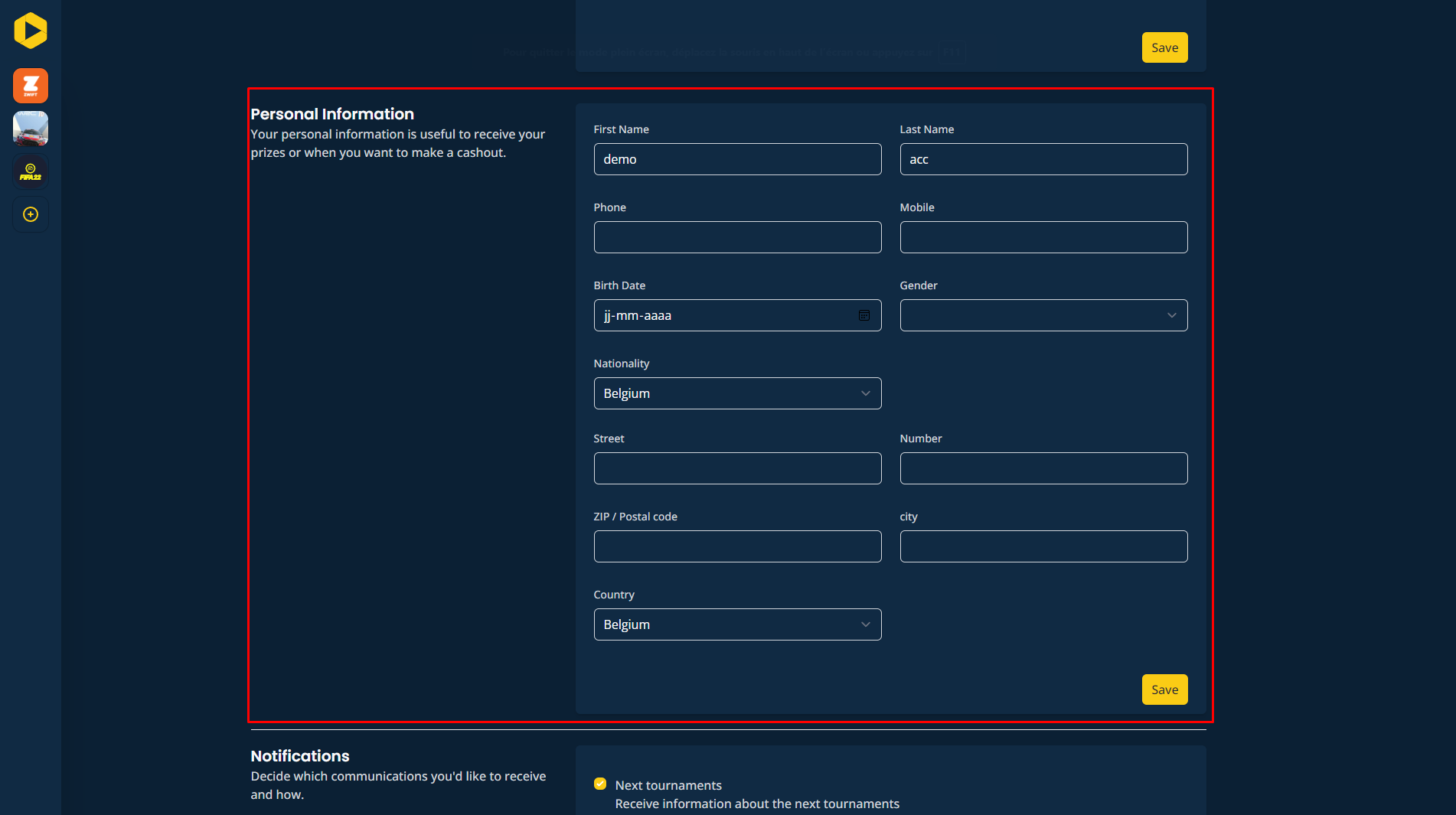
- Here, you can enter or update your address information. Make sure to click "Save" to ensure your changes are recorded.
Want to go further?
If this guide covered it, great. Want to dig deeper? The team is one message away.

